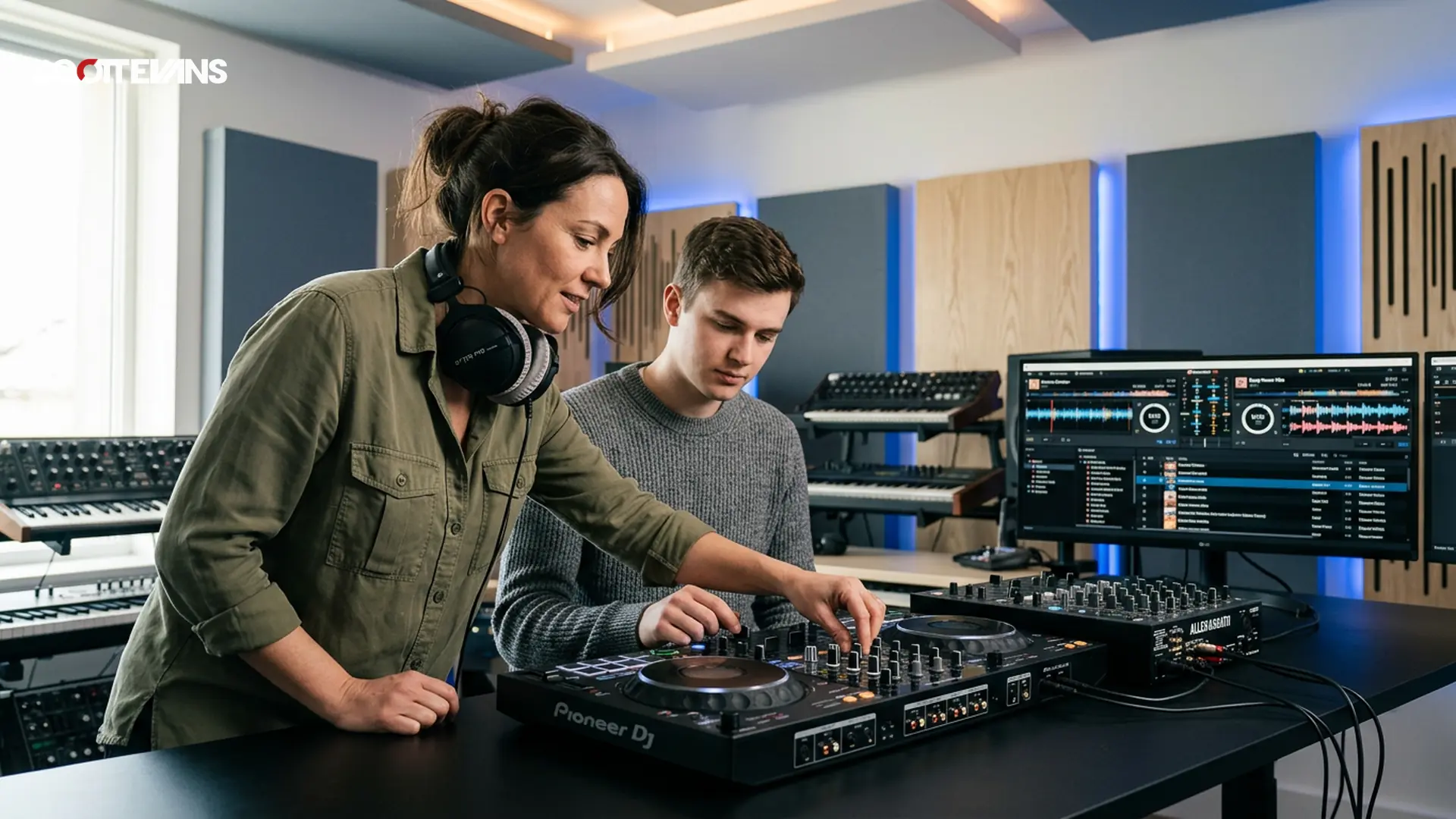
Why Start Your DJ Journey Now?
Have you ever wondered what separates the DJs who pack dancefloors from those who struggle to get bookings? The difference often comes down to structured learning and consistent practice. In 2024, learning to DJ has never been more accessible. You don't need expensive vinyl collections or a club residency to start. Modern technology allows anyone with a laptop and passion to begin mixing tracks within hours.
But here is the challenge most beginners face: information overload. With thousands of YouTube tutorials, conflicting advice on forums, and new gear releasing monthly, where do you actually begin? This guide cuts through the noise to give you a proven roadmap from complete beginner to confident performer.
What Equipment Do You Actually Need to Start?
One of the biggest myths holding people back is the belief that DJing requires thousands of dollars in equipment. Industry sources confirm that entry-level controllers now offer professional features at a fraction of the cost. You have three main paths:
Software-Based Setup: Programs like Serato DJ Lite or Rekordbox (free versions) let you mix using just your laptop keyboard. While limiting for performance, this costs nothing and teaches you the basics.
Controller Setup: The most popular choice for beginners. These devices connect to your laptop and provide physical knobs, faders, and jog wheels for tactile control.
Standalone Systems: All-in-one units that work without a computer. These are pricier but prepare you for club-standard CDJ setups.
| Feature | Entry Level ($100-300) | Mid Range ($400-700) | Professional ($1000+) |
|---|---|---|---|
| Audio Quality | 16-bit/44.1kHz | 24-bit/48kHz | 24-bit/96kHz |
| Jog Wheels | Plastic, small | Metal-capped, medium | Full-size, motorized |
| Software | Limited/free | Full versions | Multi-platform |
| Outputs | RCA only | RCA + XLR | XLR + Booth + Digital |
| Build Quality | Plastic chassis | Metal/plastic hybrid | Full metal construction |
Pro Tip
How Do You Master Beatmatching and Timing?
Beatmatching is the foundation of DJing. Before software could sync tracks automatically, DJs manually adjusted turntable speeds to match beats. While sync buttons exist today, learning manual beatmatching trains your ear and makes you a more versatile performer.
What exactly is beatmatching? It involves adjusting the tempo (BPM) of the incoming track to match the currently playing track, then aligning the beats so they hit simultaneously. This creates a seamless transition between songs.
Tempo & Timing: tap tempo
Tap a manual tempo estimate, then use the same BPM for effects and phrases
Start with house or techno tracks when learning. These genres typically maintain consistent 4/4 time signatures and clear kick drum patterns, making them easier to hear and match. Practice with tracks ranging from 120 to 128 BPM before attempting faster drum and bass or slower hip-hop transitions.
The 8-Bar Rule: Most DJ mixes work in phrases of 8 bars (32 beats). When bringing in a new track, start your mix at the beginning of a phrase and aim to complete the transition by the end of the next 8-bar section. This maintains the musical flow that keeps dancers engaged.
Why Is Harmonic Mixing Essential for Professional Sound?
Have you ever heard a mix where the transition sounded technically perfect (beats aligned) but somehow felt wrong or jarring? The likely culprit was clashing musical keys. Harmonic mixing involves selecting tracks that are compatible in musical key, creating blends that sound musical rather than mechanical.
Every track in your library sits in a specific key (A minor, F major, etc.). When you mix two tracks in compatible keys, they complement each other harmonically. When keys clash, you get dissonance that can clear a dancefloor.
The Camelot Wheel system simplifies this concept. Each key gets a number (1-12) and letter (A for minor, B for major). Tracks with adjacent numbers or the same letter typically mix well together. For example, a track in 4A can mix smoothly into 5A, 3A, or 4B.
Modern software like Rekordbox and Serato displays key information, and our Key Finder tool helps you plan harmonically compatible sets before you even step behind the decks. This technique separates amateur mixes from professional-sounding performances.
How Do You Build and Organize Your Music Library?
Your music collection is your DJ arsenal. A disorganized library leads to panic moments during gigs when you cannot find the right track. Industry analysts recommend the "Playlist Pyramid" approach: organize tracks by energy level rather than genre alone.
The Three-Tier System:
- Foundation Tracks (60%): Reliable tunes that work in any set. These are your crowd-pleasers and classic anthems.
- Current Rotation (30%): New releases and trending tracks that show you are current.
- Wildcard Tracks (10%): Experimental selections, deep cuts, and personal favorites that define your unique style.
Metadata is crucial. Beyond artist and title, tag tracks with:
- Energy level (1-10 scale)
- Vocal content (instrumental vs. vocal)
- Era/decade
- Specific moments (build-up tracks, peak-time bangers, cooldown selections)
Backup your library religiously. Use external SSDs and cloud storage. Nothing ends a DJ career faster than losing years of curated music to a hard drive failure. Our DJ AI Suite includes automated backup reminders and cloud sync features specifically designed for digital DJs.
What Is the Fastest Way to Go from Beginner to Gig-Ready?
Most aspiring DJs ask: how long until I can play my first show? The honest answer depends on your practice consistency. However, following a structured approach accelerates this timeline significantly.
The 90-Day Learning Sprint:
Weeks 1-4: Technical Foundations
- Learn your software inside out
- Practice beatmatching 30 minutes daily
- Master EQ basics (cutting bass when mixing in, etc.)
Weeks 5-8: Creative Mixing
- Experiment with effects (reverb, echo, filters)
- Practice harmonic mixing using the Key Finder
- Record every practice session and critique yourself
Weeks 9-12: Performance Preparation
- Build a 60-minute demo mix
- Learn to read crowd energy (even if practicing to empty rooms)
- Prepare backup plans for technical failures
Harmonic Mixing Guide
Find compatible keys using the Camelot wheel
Consider joining our weekly DJ Digest, where working professionals share 7-minute micro-lessons covering everything from transition techniques to gig etiquette. These bite-sized lessons fit into busy schedules and provide consistent skill building without overwhelming you.
How Do You Choose Between Online DJ Courses?
Not all online learning platforms deliver equal value. When evaluating courses, look for instructors who actively perform in clubs and festivals, not just YouTube personalities. Real-world experience translates to practical advice about reading crowds, handling drunk patrons, and recovering from equipment failures.
Key indicators of quality courses include:
- Camera angles: Multiple views showing hand positions on controllers
- Track selection guidance: Not just how to mix, but what to mix
- Community access: Student groups where you can share mixes and get feedback
- Software flexibility: Lessons that apply across Rekordbox, Serato, and Traktor
Our Set-to-Content tool helps students transform their practice mixes into social media content, building an audience before they even book their first gig. This modern approach to DJ marketing is essential in today's industry.
Frequently Asked Questions
No formal musical training is required. While understanding basic rhythm helps, modern DJ software handles the technical aspects of keeping time. Your ear will develop naturally through practice. Focus on track selection and reading the room; these skills matter more than being able to read sheet music.
Key Takeaways
- Core takeaway: Learn skills online complete works best with a repeatable prep-to-performance workflow.
- Prioritize one stable process before adding extra tools or plugins.
- Track outcomes after each set and keep only steps that improve reliability and results.
Step-by-Step Implementation
- Define the outcome you want from learn skills online complete before touching settings.
- Build a repeatable prep checklist and keep it in your set notes.
- Test the workflow in a low-risk set and log friction points.
- Refine one variable at a time, then standardize your final process.
- Review outcomes weekly and update your checklist.
Comparison Snapshot
| Workflow Option | Best For | Primary Benefit | Trade-Off |
|---|---|---|---|
| Baseline setup | New DJs | Fast start | Lower control |
| Structured workflow | Growing DJs | Consistent outcomes | Needs process discipline |
| Advanced optimization | Touring DJs | Maximum control | Higher setup complexity |
Intent Cluster Follow-up Questions
How does learn skills online complete change a live DJ workflow?
It reduces decision friction during prep and performance by moving critical decisions earlier in the process.
Which setup mistakes block results with learn skills online complete?
Most failures come from skipping calibration, inconsistent libraries, and unclear handoff points between tools.
How do you measure whether learn skills online complete is actually working?
Track booking quality, prep time, and set reliability over at least four event cycles.
Original Insight
A repeatable pattern across DJ operations is that performance gains usually come from reducing decision points, not adding more plugins or gear. Teams that standardize one clear workflow typically improve consistency faster than teams that keep switching tools.