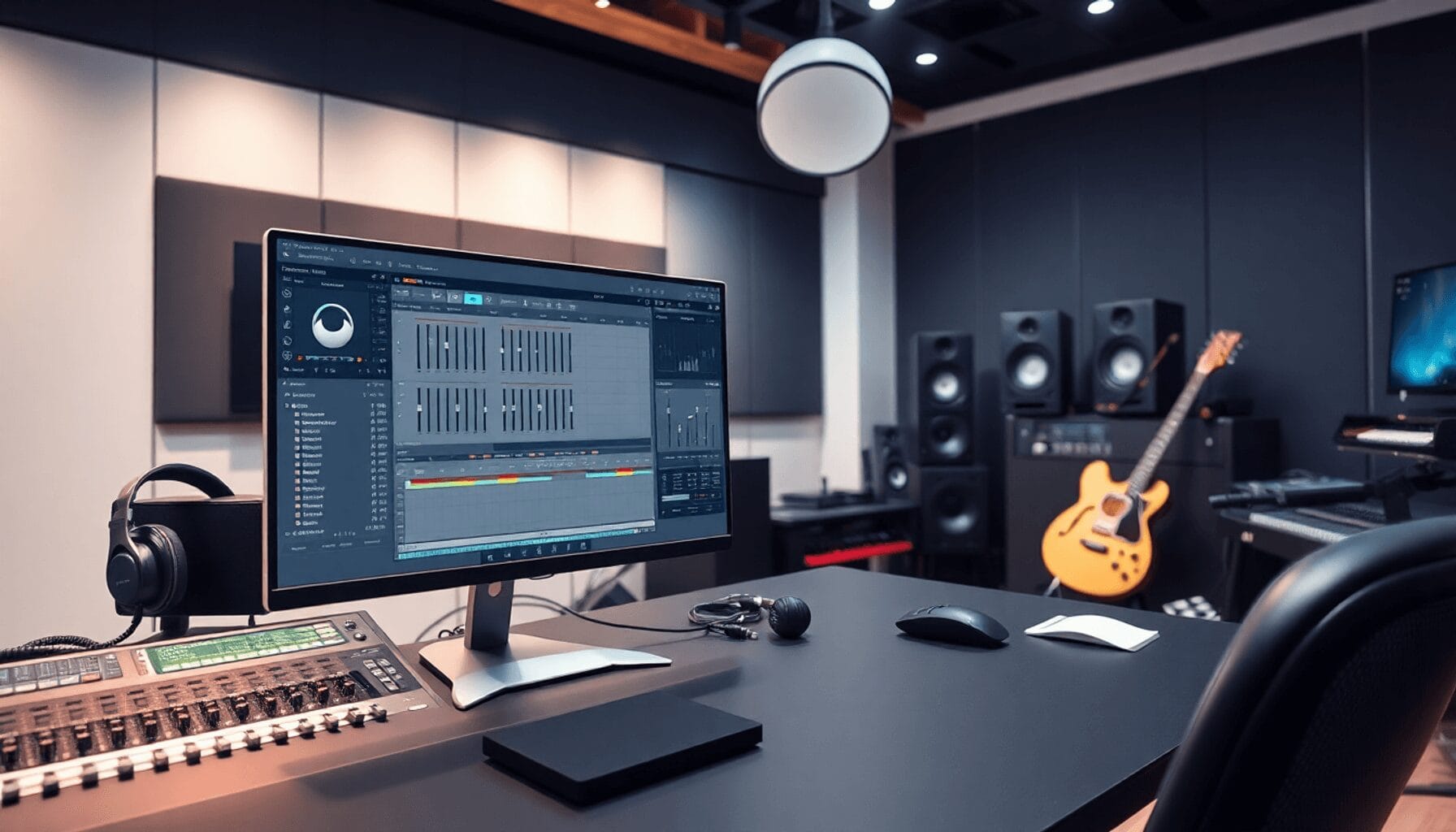
The Evolution of AI Mastering in 2026
The landscape of music production has transformed dramatically. Just a few years ago, automated mastering was considered a shortcut for beginners. Today, industry analysts and top touring DJs consider AI mastering an essential part of the modern workflow. These intelligent algorithms analyze your mixdown, compare it to thousands of commercial releases, and apply complex EQ and compression curves in seconds.
Whether you are preparing a VIP edit for your weekend club set or finalizing a track for streaming platforms, AI mastering tools offer a massive advantage. They provide a professional baseline that you can either accept immediately or tweak to perfection.
The Scott Evans DJ Takeaway
At a Glance: Top AI Mastering Platforms
Before diving into the specific software, it helps to understand how the leading platforms stack up against each other.
| Mastering Tool | Best For | Format | Pricing Model |
|---|---|---|---|
| iZotope Ozone | Advanced producers | VST/AU Plugin | One-time or Subscription |
| LANDR | Quick cloud exports | Web Platform | Subscription |
| Logic Pro Assistant | Mac users | Native DAW Tool | Included with Logic Pro |
| Emastered | Custom tonal control | Web Platform | Subscription |
| BandLab | Budget-conscious artists | Web Platform | Free/Premium |
1. iZotope Ozone: The Industry Heavyweight
When it comes to in-the-box mastering, iZotope Ozone remains the undisputed champion for desktop producers. As an AI-powered mastering plugin, it sits directly on your master bus and gives you absolute control over the entire signal chain.
Ozone features a highly advanced Master Assistant. It listens to your track and instantly builds a custom processing chain. This includes genre-specific EQ curves, dynamic EQ, and intelligent limiting to maximize loudness without crushing your transients.
Key benefits of Ozone include:
* Reference Track Matching: Upload a commercial track, and the AI will match your master's tonal balance and loudness to that specific song.
* Advanced Module Control: Unlike cloud services, you can dive into the Stabilizer, Impact, and Clarity modules to adjust exactly what the AI did.
* Zero Export Latency: Because it runs locally in your DAW, you do not have to wait for cloud uploads.
2. LANDR Mastering: The Cloud Pioneer
LANDR was one of the first services to introduce AI tools for music mastering to the masses. In 2026, it remains a powerhouse for DJs and producers who need fast, reliable results without opening a DAW.
LANDR operates on a subscription model and handles the heavy lifting in the cloud. You simply upload your unmastered WAV file, and the engine analyzes the track to deliver tailored results.
The platform offers distinct sound styles to fit your specific genre. You can choose between warm, balanced, and open audio profiles. A major advantage of LANDR is its intuitive user control. Even though the process is automated, the platform allows you to adjust the overall EQ focus and loudness intensity before downloading the final master.
3. Apple's Mastering Assistant in Logic Pro
If you produce music on a Mac, Apple's Mastering Assistant in Logic Pro is a game-changer. This is a free AI tool seamlessly integrated directly into the DAW. It analyzes your mix and applies adaptive processing to achieve commercial loudness and clarity.
The interface is incredibly user-friendly and offers four distinct processing modes:
* Clean: Retains the original sound of your mix with minimal coloration.
* Valve: Adds harmonic warmth and character to emulate analog studio consoles.
* Punch: Emphasizes transients and dynamics, which is perfect for energetic electronic dance music.
* Transparent: Enhances the overall loudness without altering the sonic footprint of the mix.
This hands-off approach allows users to focus on the creative arrangement while achieving polished results effortlessly.
4. Kits AI and Emastered: Vocal Clarity and Customization
For producers working heavily with vocalists, Kits AI Audio Mastering offers specialized processing. It features preset options designed specifically to elevate vocal clarity and presence in a dense mix. It is highly intuitive and perfect for independent artists who want their vocals to cut through the speakers.
Emastered is another excellent cloud-based option that prioritizes user tweaking. Built by Grammy-winning engineers, it allows you to adjust dynamics, loudness, and tonal balance after the AI does its initial pass. This ensures that musicians maintain creative control over their sound while benefiting from machine learning efficiency.
Before you finalize any master for club play, you must ensure your track metadata is perfectly accurate for your DJ software. Use our built-in tool below to verify your track speed.
5. Advanced Dynamics: Cryo-Mix and Brainworx
For audio professionals who want to combine AI technology with analog emulation, tools like Cryo-Mix and the Brainworx Shadow Hills Compressor are essential.
Cryo-Mix offers highly detailed mixing and mastering settings. It avoids simple preset buttons in favor of granular control. Users can manipulate every aspect of their tracks, making it ideal for producers who want a custom approach rather than a one-size-fits-all solution.
The Brainworx Shadow Hills Mastering Compressor is a legendary plugin that brings dual-stage compression to your digital workflow. It utilizes advanced algorithms to manage dynamics while preserving low-end integrity. This transformative sound shaping delivers a unique tonal quality that standard digital limiters simply cannot replicate.
Verifying Your Final Master
Once your track is mastered and exported, the final step is track preparation. AI mastering can sometimes alter the perceived root note of a track if heavy harmonic saturation is applied. To ensure your new master will blend perfectly in your next DJ set, you should always double-check its harmonic data.
Tempo & Timing: tap tempo
Tap a manual tempo estimate, then use the same BPM for effects and phrases
Harmonic Mixing Guide
Find compatible keys using the Camelot wheel
By verifying your track data, you guarantee a flawless transition when mixing live.
Embracing the Future of Audio Production
Exploring the best AI tools for music mastering will significantly enhance your studio output. These platforms offer incredible efficiency, allowing you to save hours of tedious tweaking. They provide high-quality output that rivals traditional studio methods, and they make professional audio accessible to independent musicians on a budget.
Using AI in music production is no longer cheating; it is simply working smarter. Take the time to explore these tools, test them on your own mixdowns, and confidently take your music to new levels.
Frequently Asked Questions
AI in music mastering refers to the use of machine learning algorithms to analyze and enhance audio tracks. These tools automatically apply equalization, compression, and limiting to achieve professional sound quality and commercial loudness standards efficiently.
Key Takeaways
- Core takeaway: Best tools music mastering works best with a repeatable prep-to-performance workflow.
- Prioritize one stable process before adding extra tools or plugins.
- Track outcomes after each set and keep only steps that improve reliability and results.