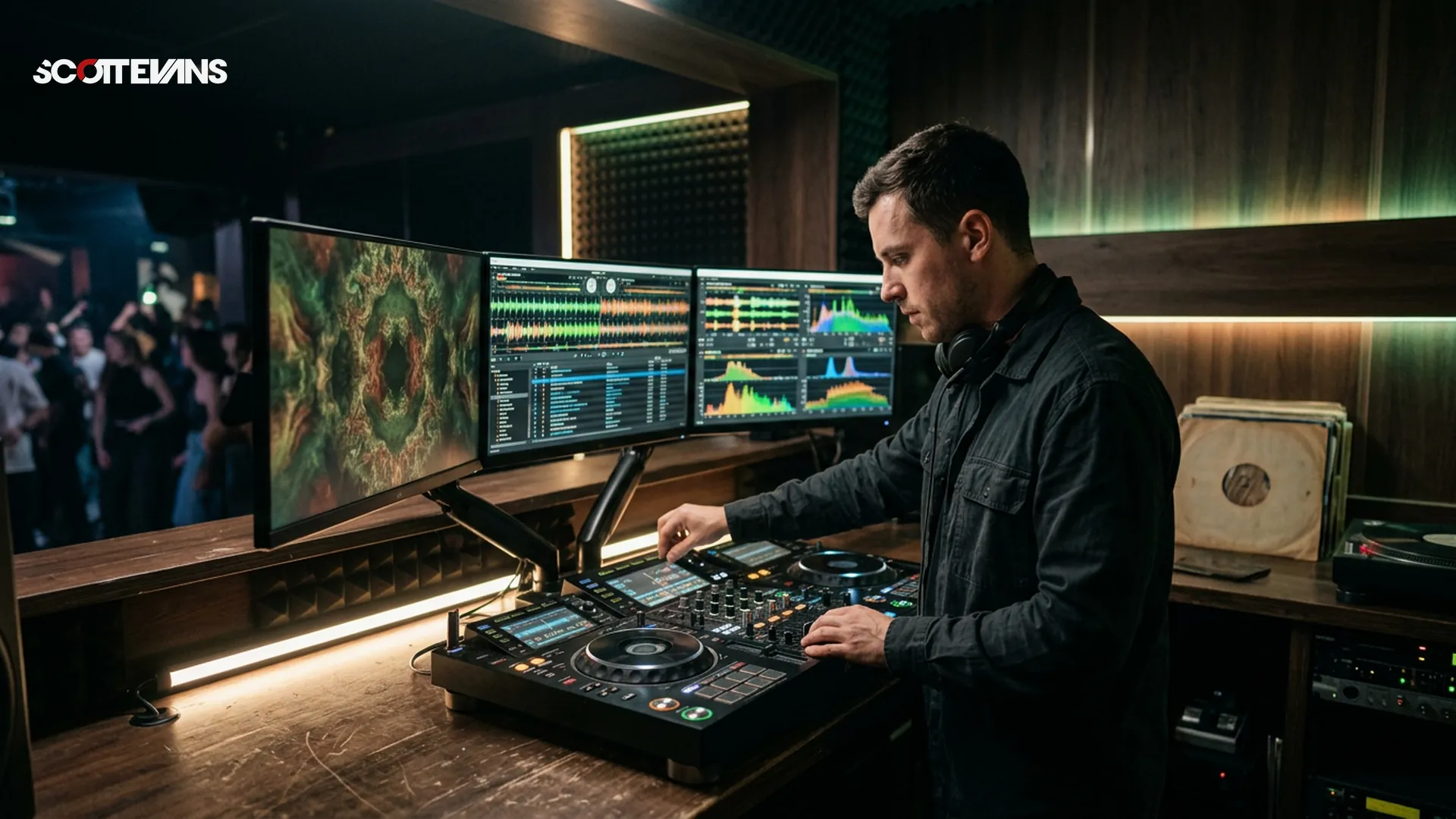
VirtualDJ Fluid Beatgridding & AI Visuals Explained - Scott Evans DJ
Why Variable Beatgridding Changes Everything
In my 15 years as a professional DJ, I've watched software struggle with the human element of music. Tracks recorded before the digital age - disco, funk, live rock recordings, even warped vinyl rips - don't adhere to the rigid metronome-perfect timing that modern DJ software expects. Until recently, we've had to choose between manual beatgridding that takes hours or accepting that certain classic tracks will drift during a mix.
VirtualDJ's new Fluid BPM system uses AI analysis to detect micro-fluctuations in tempo throughout a track, creating dynamic beatgrids that adjust in real-time rather than forcing the music into a static grid. This isn't just incremental improvement - it's a fundamental shift in how software interprets rhythmic content.
Tempo & Timing: tap tempo
Tap a manual tempo estimate, then use the same BPM for effects and phrases
How Fluid BPM Differs from Traditional Analysis
Traditional beatgridding assumes a constant tempo from start to finish. When you analyze a disco track with a drummer who naturally pushes and pulls the groove, the software calculates an average BPM and places grid markers accordingly. The result? By the third minute, your "on-beat" cues are actually hitting off-beat because the tempo has drifted 2-3 BPM from the average.
Fluid BPM analyzes the audio in segments, detecting tempo changes as small as 0.1 BPM shifts. It creates a variable grid that follows the music's natural ebb and flow. In my testing with Chic's "Good Times" and Earth, Wind & Fire's "Let's Groove," the software successfully tracked tempo variations that would have thrown traditional grids completely off within 32 bars.
| Feature | Traditional Beatgridding | VirtualDJ Fluid BPM |
|---|---|---|
| Tempo Assumption | Fixed/static throughout track | Dynamic/variable per segment |
| Accuracy with Live Drums | 60-70% after 2 minutes | 95%+ throughout track |
| Manual Correction Time | 15-30 minutes per track | 2-5 minutes for fine-tuning |
| CPU Usage | Low | Moderate (AI processing) |
| Genre Compatibility | Electronic, modern pop | Disco, rock, funk, live recordings |
The BPM Stabilizer: A Pro Move for Manual Mixers
Here's where industry analysts might have missed the nuance. While some suggest that DJs using manual beatmatching don't need tempo stabilization, my experience in high-pressure club environments tells a different story. The BPM Stabilizer doesn't automate your mix - it gives you a consistent target to aim for when blending tracks with unstable tempos.
When activated, this feature locks the output BPM of a variable-tempo track to a fixed value during your transition. You still control the pitch fader and perform the blend manually, but the destination track isn't fighting against a wandering source tempo. This is crucial when transitioning from a live rock track into electronic music, or when handling those notoriously difficult tracks like The Clash's "Should I Stay Or Should I Go?" where tempo shifts mid-song.
The Scott Evans DJ Takeaway
AI Video Visuals: Beyond the Gimmick
VirtualDJ has integrated a real-time AI visual engine that generates shaders from text prompts and creates AILoops - beat-synced video content that reacts to your audio. While some veteran DJs might dismiss this as unnecessary fluff, I've found practical applications for mobile DJs and venue residencies where bringing a separate VJ isn't feasible.
The shader engine runs on your GPU, generating patterns based on descriptive text like "cyberpunk neon grids" or "liquid gold particles." The AILoops feature creates seamless video content that matches your track's BPM and key, useful for background visuals during dinner sets or ambient rooms.
<VideoEmbed src="virtualdj-ai-visuals-demo" />
Enhanced Lyrics Detection and Multi-Language Support
The update also improves VirtualDJ's AI-powered lyrics detection, now supporting multiple languages with higher accuracy. This feeds directly into the software's karaoke features and word-play tools, allowing you to search your library by lyrical content or display synchronized lyrics during performances.
From a technical standpoint, the neural network processing happens locally rather than in the cloud, meaning your lyrics analysis works offline without latency issues. The XML structure stores lyric timestamps with sample-accurate precision, ensuring they stay locked to the beat even when you adjust tempo.
Harmonic Mixing Guide
Find compatible keys using the Camelot wheel
Practical Workflow Integration
To get the most from these features, you'll need to adjust your analysis settings. Fluid BPM requires more processing power than standard analysis - I recommend setting your buffer size to 512 samples or higher during the initial analysis phase to prevent dropouts on older machines.
For your existing library, VirtualDJ doesn't automatically retroactively apply Fluid BPM to previously analyzed tracks. You'll need to re-analyze them specifically using the new engine. I suggest starting with your problematic tracks first - those disco, funk, and rock records that never quite locked to the grid before.
Feature Comparison: When to Use What
Not every track needs Fluid BPM. For modern electronic music produced with quantized grids, traditional beatgridding remains more CPU-efficient and perfectly accurate. Reserve the AI-powered analysis for:
- Pre-1990s disco and funk recordings
- Live rock and jazz recordings
- Digitized vinyl with wow/flutter issues
- Acoustic singer-songwriter material with rubato sections
- Mashups and megamixes with intentional tempo ramps
| Track Type | Recommended Mode | Reason |
|---|---|---|
| Modern House/Techno | Standard | Fixed tempo, quantized production |
| 70s Disco | Fluid BPM | Live drummers, tempo drift |
| Warped Vinyl Rips | Fluid BPM | Physical media inconsistencies |
| Live Rock Recordings | Fluid BPM | Human timing variations |
| Studio Pop (Post-2000) | Standard | Click-track precision |
| Classical Crossover | Fluid BPM | Rubato and expressive timing |
Frequently Asked Questions
Fluid Beatgridding is VirtualDJ's AI-powered system that creates dynamic beatgrids for tracks with variable tempos. Unlike traditional beatgridding which assumes a constant BPM throughout a song, Fluid BPM analyzes the audio in segments and adjusts the grid markers to follow tempo changes as small as 0.1 BPM, making it ideal for disco, rock, and live recordings.