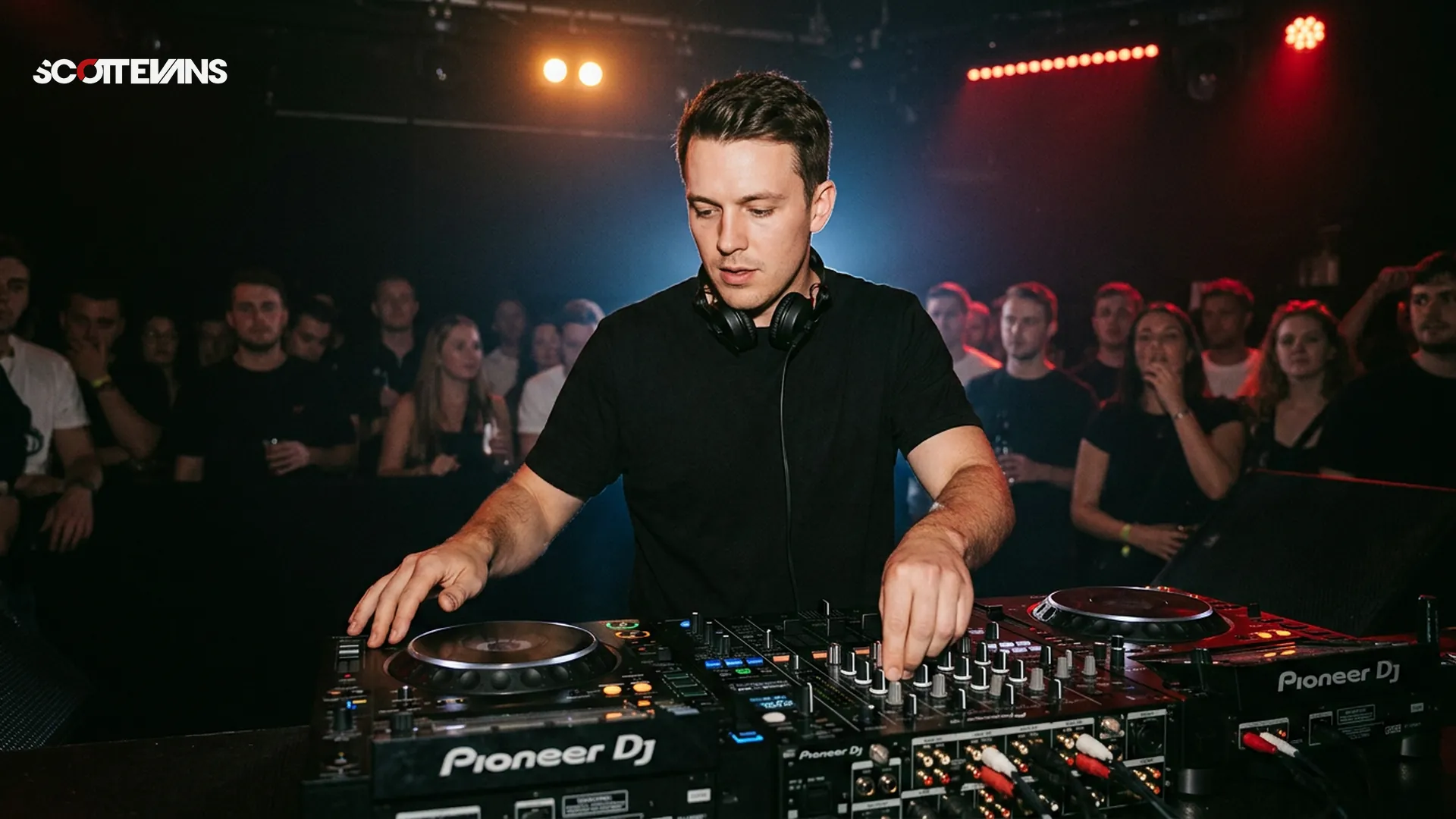
Best DJ Software for Live Sets: The 2026 Guide to Stage-Ready Performance
Pioneer DJ Rekordbox, Serato DJ Pro, and Native Instruments Traktor Pro 3 currently lead the market for live performance DJ software, each offering unique strengths for different performance styles. Rekordbox dominates club installations with its seamless hardware integration, Serato excels in hip-hop and scratch environments with rock-solid stability, and Traktor offers unmatched creative flexibility for electronic music producers. Your choice depends on your existing hardware ecosystem, preferred music library management, and whether you prioritize traditional mixing or experimental live production techniques.
Best DJ Software for Live Sets: The 2026 Guide to Stage-Ready Performance
Pioneer DJ Rekordbox, Serato DJ Pro, and Native Instruments Traktor Pro 3 currently lead the market for live performance DJ software, each offering unique strengths for different performance styles. Rekordbox dominates club installations with its seamless hardware integration, Serato excels in hip-hop and scratch environments with rock-solid stability, and Traktor offers unmatched creative flexibility for electronic music producers. Your choice depends on your existing hardware ecosystem, preferred music library management, and whether you prioritize traditional mixing or experimental live production techniques.
Best DJ Software for Live Sets: The 2026 Guide to Stage-Ready Performance
Pioneer DJ Rekordbox, Serato DJ Pro, and Native Instruments Traktor Pro 3 currently lead the market for live performance DJ software, each offering unique strengths for different performance styles. Rekordbox dominates club installations with its seamless hardware integration, Serato excels in hip-hop and scratch environments with rock-solid stability, and Traktor offers unmatched creative flexibility for electronic music producers. Your choice depends on your existing hardware ecosystem, preferred music library management, and whether you prioritize traditional mixing or experimental live production techniques.
Best DJ Software for Live Sets: The 2026 Guide to Stage-Ready Performance
Pioneer DJ Rekordbox, Serato DJ Pro, and Native Instruments Traktor Pro 3 currently lead the market for live performance DJ software, each offering unique strengths for different performance styles. Rekordbox dominates club installations with its seamless hardware integration, Serato excels in hip-hop and scratch environments with rock-solid stability, and Traktor offers unmatched creative flexibility for electronic music producers. Your choice depends on your existing hardware ecosystem, preferred music library management, and whether you prioritize traditional mixing or experimental live production techniques.
When you are performing live, your software becomes your instrument. Unlike bedroom practice sessions, live sets demand absolute reliability. The best DJ software for live sets prioritizes three core elements: stability under pressure, minimal latency, and intuitive hardware integration.
Stability means your application will not crash mid-transition when the promoter is standing side stage. Latency determines how quickly your jog wheel adjustments translate to audible changes. Hardware integration ensures your controller or mixer communicates seamlessly with the software without driver conflicts or mapping headaches.
Pro Tip
The Top Contenders for Live Performance
Selecting the right platform requires matching your performance style to each software's strengths. Here is how the major players compare for live sets in 2026.
| Software | Best For | Key Strength | Hardware Integration | Pricing Model |
|---|---|---|---|---|
| Pioneer DJ Rekordbox | Club/Festival DJs | USB export to CDJs, cloud library sync | Pioneer gear optimized, HID mode excellent | Free plan / Core / Creative |
| Serato DJ Pro | Hip-Hop/Turntablism | Rock-solid DVS stability, plug-and-play | Wide third-party controller support | Subscription or perpetual license |
| Traktor Pro 3 | Electronic/Experimental | Remix Decks, advanced MIDI mapping | Native Instruments hardware best | One-time purchase |
| VirtualDJ 2026 | Mobile/Video DJs | Real-time stems, video mixing | Universal compatibility with any controller | Monthly subscription |
| DJay Pro | iOS/Mac ecosystem | Neural Mix AI, touch interface optimization | Apple Silicon optimized, iPad support | Subscription only |
Pioneer DJ Rekordbox: The Club Standard
If you play clubs and festivals, Rekordbox is practically mandatory. Venues worldwide run Pioneer CDJ-3000s and DJM mixers, and Rekordbox's export mode lets you prepare USB drives that work natively on club gear without bringing your laptop.
For live laptop performances, Rekordbox's Performance Mode offers tight integration with Pioneer controllers. The software handles large libraries efficiently, and the cloud sync features let you prepare sets on your home computer and access them on your gig laptop instantly.
However, Rekordbox locks you into the Pioneer ecosystem. Third-party controller support exists but feels like an afterthought compared to the seamless experience with Pioneer hardware.
Serato DJ Pro: The Stability King
Scratch DJs and turntablists consistently choose Serato for one reason: reliability. When you are performing complex needle drops and rapid cue point juggling, latency spikes or audio dropouts kill the vibe immediately.
Serato's DVS (Digital Vinyl System) remains the industry standard for vinyl emulation. The software's "practice mode" lets you prepare sets without hardware connected, and the smart crates feature automatically sorts your library by BPM, key, and energy level.
The downside? Serato charges for expansion packs. Want video mixing? That is extra. Need advanced FX? Additional purchase. These costs add up quickly for mobile DJs needing full feature sets.
Traktor Pro 3: The Producer's Playground
Electronic music artists who blur the line between DJing and live production gravitate toward Traktor. The Remix Decks function like Ableton Live clips, allowing you to trigger loops, one-shots, and acapellas independently of your main decks.
Traktor's MIDI mapping capabilities are unmatched. You can assign complex macro commands to single buttons, creating custom performance templates that go far beyond standard mixing. The Stem file format (though not widely adopted) allows isolated manipulation of drums, bass, vocals, and melody within a single track.
The learning curve is steep. If you are new to digital DJing, Traktor's interface can feel overwhelming compared to the streamlined approaches of Rekordbox or Serato.
Optimizing Your Workflow for Live Sets
Great software only performs well with proper preparation. Your live set workflow starts long before you step into the booth.
Library Preparation Strategies
Analyze your tracks at home, not at the gig. Set memory cues at the first beat of the chorus, the start of the breakdown, and any vocal entry points. Color code your hot cues: red for drops, green for intros, yellow for transitions.
Tempo & Timing: tap tempo
Tap a manual tempo estimate, then use the same BPM for effects and phrases
Harmonic Mixing Guide
Find compatible keys using the Camelot wheel
Use the calculator above to plan harmonic transitions. While modern software displays key information, understanding the mathematical relationships between tempos helps you plan energy level changes. A 6% tempo increase typically maintains dance floor energy while shifting the mood.
Backup Protocols
Professional DJs never rely on a single system. Run your primary software on your main laptop, but keep a backup laptop (or iPad with DJay) ready to plug in within 30 seconds. Some artists run both systems simultaneously through a small mixer, allowing instant failover if the primary crashes.
Sync your library to cloud storage, but also keep a local external SSD with your essential "crisis" tracks. If internet fails and your laptop dies, you can plug that SSD into the venue's CDJs and keep the party moving.
Hardware Integration and Latency Management
Your software choice dictates your hardware options. Rekordbox works best with Pioneer controllers, while Serato supports everything from budget entry-level pads to high-end mixers.
Understanding Audio Buffers
Latency occurs when your computer cannot process audio fast enough. In your software settings, you will find buffer size options (measured in samples). Lower buffers (128-256 samples) provide tighter response but tax your CPU. Higher buffers (512-1024 samples) are safer for complex sets with heavy FX usage but create slight delays between your hand movements and the audio response.
For live sets, aim for 10-15ms total latency. Test this at home by tapping your jog wheel rhythmically. If you hear a slap-back delay, your buffer is too high.
The key detection tool above helps you prepare harmonic transitions. While software like Mixed In Key automates this, understanding the Camelot wheel system lets you make intelligent decisions on the fly when you need to deviate from your planned set.
HID Mode vs MIDI
Modern DJ software communicates with hardware through two protocols. HID (Human Interface Device) mode sends high-resolution data for displays, LED feedback, and advanced features like slip mode. MIDI is the older standard, more universal but less precise.
When possible, use HID mode. It provides tighter sync between your physical controls and the software, especially noticeable when performing pitch bends or scratch techniques.
Advanced Features for 2026 Performances
The line between DJing and live production continues blurring. Modern software offers tools that transform you from a track player into a live remixer.
Real-Time Stems and Isolation
VirtualDJ and DJay Pro now offer real-time stem separation using AI. You can isolate vocals, drums, bass, or instruments from any stereo track instantly. This allows live mashups without preparing acapellas beforehand.
However, CPU usage spikes with stem processing. For critical live sets, test your laptop's thermal throttling. If the fans spin up loudly during stem manipulation, your system might glitch under sustained load.
Cloud Library Management
Rekordbox and Serato now offer cloud-synced libraries, letting you prepare tracks on your desktop and access them on your gig laptop. This requires reliable internet at venues, which is never guaranteed.
The smart approach: sync to cloud at home, but always keep a local copy on your gig machine. Treat cloud features as convenience, not dependency.
How We Evaluated These Tools
Our assessment of the best DJ software for live sets focuses on criteria that matter when you are facing a crowd and technical failure is not an option.
Stability Under Pressure: We prioritized software with proven track records of running 6+ hour sets without memory leaks or crashes. Serato and Rekordbox lead here due to their conservative approach to new features.
Hardware Compatibility: Software that works with multiple controller brands offers flexibility if your gear fails and you need to borrow equipment. Serato and VirtualDJ excel in universal compatibility.
Feature Set for Live Manipulation: We evaluated stem separation, remix decks, and FX routing capabilities. Traktor and VirtualDJ offer the deepest creative tools, while Rekordbox focuses on traditional mixing excellence.
Export and Backup Workflows: The ability to prepare USB drives for CDJs (Rekordbox advantage) or quickly switch to backup hardware (Serato's wide compatibility) factors heavily in professional reliability.
Value Proposition: We considered total cost including necessary expansion packs, subscription models versus perpetual licenses, and hardware bundle options.
Industry Adoption: Software that venues already have installed reduces your setup variables. Rekordbox's dominance in club installations creates a network effect where using it simplifies technical riders and sound check procedures.
Frequently Asked Questions
Technically yes, but it requires complex audio routing and introduces failure points. Some touring DJs run two laptops with different software through a hardware mixer, allowing seamless transitions between platforms. For most performers, mastering one software deeply proves more valuable than juggling multiple platforms. If you must switch, plan it during a scheduled break or long ambient transition.
Key Takeaways
- Core takeaway: Best software live sets works best with a repeatable prep-to-performance workflow.
- Prioritize one stable process before adding extra tools or plugins.
- Track outcomes after each set and keep only steps that improve reliability and results.