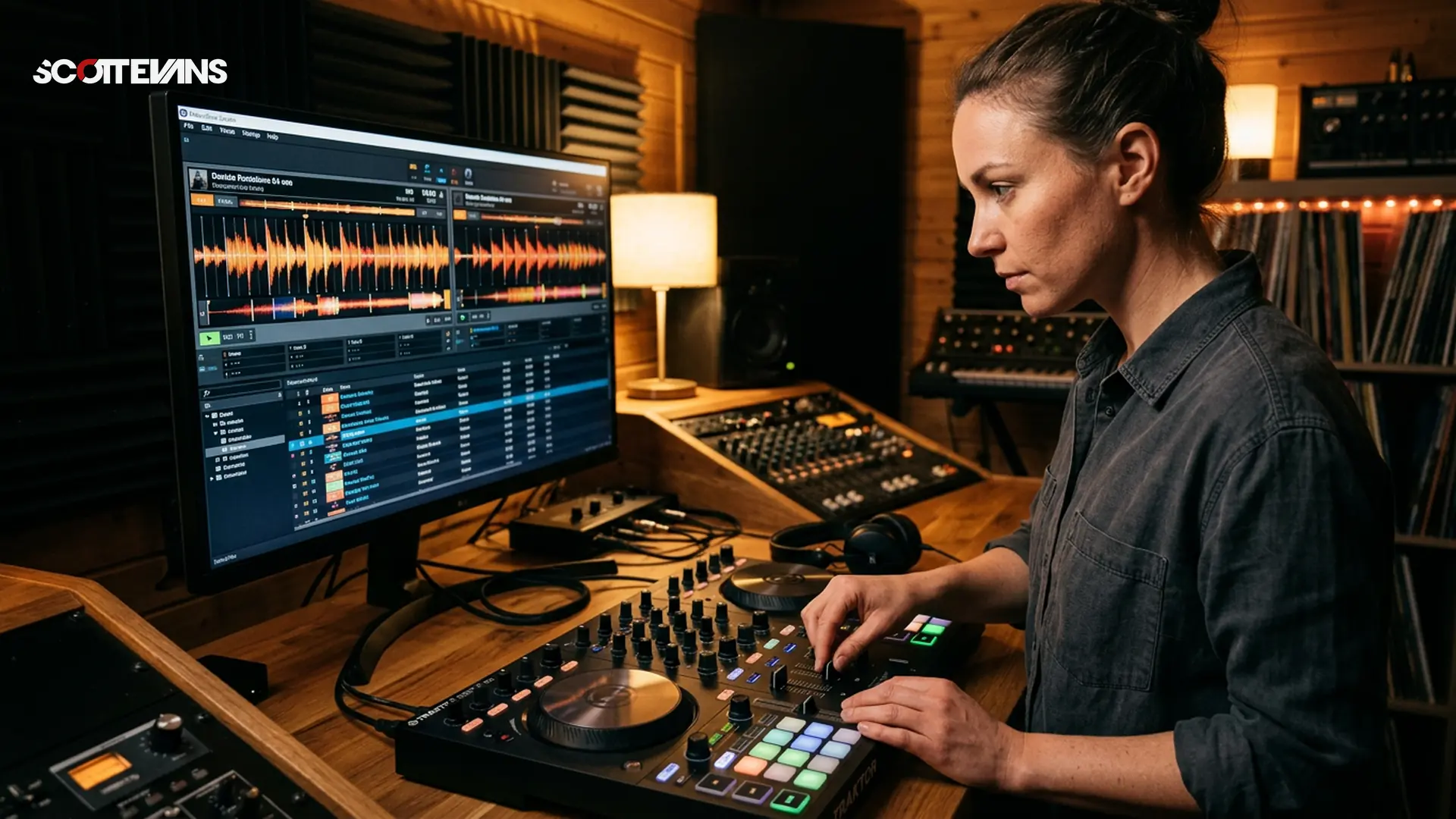
Understanding Timeline-Based DJing
The landscape of digital music preparation has shifted dramatically. While live performance software remains essential for the club, timeline-based applications like DJ Studio have carved out a massive niche for pre-recorded set construction. Instead of recording a mix live and hoping for zero mistakes, a timeline approach lets you craft transitions with surgical precision.
The Scott Evans DJ Takeaway
DJ Studio vs. Traditional DJ Software
When industry analysts compare modern mixing environments, the distinction usually comes down to live execution versus studio preparation. Traditional platforms focus on real-time hardware integration, low-latency jog wheel response, and instant cue triggering. DJ Studio takes a different route.
The primary workflow revolves around a linear timeline, much like a video editor. You drag and drop tracks, align beatgrids visually, and draw automation curves for EQ and effects. This eliminates the pressure of real-time beatmatching and allows for intricate, multi-layered mashups that would require three or four decks to execute live.
| Feature Focus | Traditional DJ Software | DJ Studio (Timeline DAW) |
|---|---|---|
| Primary Use Case | Live club performance | Studio mix preparation |
| Hardware Required | DJ Controller / CDJs | Just a laptop / tablet |
| Transition Control | Real-time manual faders | Drawn automation curves |
| Error Correction | Start over or edit post-recording | Non-destructive timeline edits |
| Export Speed | 1:1 Real-time (1 hour mix = 1 hour) | Fast offline rendering (Minutes) |
Essential Features for the 2026 Workflow
To stay competitive, your promotional material needs to sound immaculate. DJ Studio packs several advanced features that streamline this process for both beginners and touring professionals.
AI-Driven Automix and Harmonic Intelligence
The application analyzes your imported tracks for tempo, energy levels, and musical key. Using harmonic intelligence, it can suggest the optimal track order to prevent key clashes. If you utilize a Key Finder in your daily prep, you will appreciate how DJ Studio natively groups compatible tracks to maintain dancefloor energy.
Stem Separation for Instant Mashups
Real-time stem separation has become the standard in 2026. DJ Studio allows you to isolate vocals, drums, bass, and melodies directly on the timeline. You can extract an acapella from a pop track and lay it over an underground techno bassline without needing third-party audio editors.
Integrating Your Music Library
A DJ is only as good as their music library. DJ Studio simplifies file management by integrating directly with local drives and major streaming platforms.
Streaming and Cloud Access
You can pull tracks directly from supported platforms like YouTube, Spotify, and Beatport. This is particularly useful when testing out a setlist before purchasing the high-resolution lossless files. Keep in mind that streaming tracks often cannot be exported to a final offline audio file due to copyright restrictions, but they are perfect for the Set-to-Content planning phase.
Tempo and Beatgrid Management
Accurate beatgrids are the foundation of timeline mixing. While the software does an excellent job of auto-detecting tempo, tracks with live drummers or fluctuating tempos require manual adjustment.
Tempo & Timing: tap tempo
Tap a manual tempo estimate, then use the same BPM for effects and phrases
Harmonic Mixing Guide
Find compatible keys using the Camelot wheel
Always verify your grids before applying complex transition presets. A grid that is off by even a few milliseconds will cause noticeable phasing during long, layered blends.
Getting Started: A Step-by-Step Setup Guide
Setting up your workspace correctly prevents audio routing issues and workflow bottlenecks later on. Because you do not need to configure complex MIDI mapping or low-latency ASIO drivers, the setup is incredibly straightforward.
Start by organizing your tracks into specific crates or playlists. Once imported, allow the DJ AI Suite to fully analyze the audio files. Skipping the analysis phase will disable the harmonic matching features and slow down your creative process.
Navigating Software Limitations
No software is perfect, and understanding the boundaries of DJ Studio will help you integrate it properly into your broader ecosystem.
Lack of Live Performance Tools
This is not an application you bring to a club gig. There is no traditional jog wheel support for scratching, and live track manipulation is not the goal. It is strictly a preparation and production environment designed for careful curation.
Audio Export Restrictions
If you rely heavily on integrated streaming services, you will face export limitations. To render a downloadable WAV or MP3 of your final mix, you must own the local audio files. This ensures artists are properly compensated and prevents piracy, but it requires you to maintain a dedicated local library of purchased music.
The Future of Mix Production
As music technology evolves in 2026, the line between DJing and studio production continues to blur. Timeline-based mixing platforms offer a stress-free environment to experiment with complex layering, precise EQ automation, and harmonic storytelling. By mastering these tools, you can elevate the quality of your promotional output and focus your live energy entirely on crowd interaction.
Frequently Asked Questions
No. DJ Studio is designed for offline mix preparation, studio production, and timeline-based arranging. It lacks the low-latency hardware integration required for live club mixing.
Key Takeaways
- Core takeaway: Understanding Timeline-Based DJing in 2026 works best with a repeatable prep-to-performance workflow.
- Prioritize one stable process before adding extra tools or plugins.
- Track outcomes after each set and keep only steps that improve reliability and results.