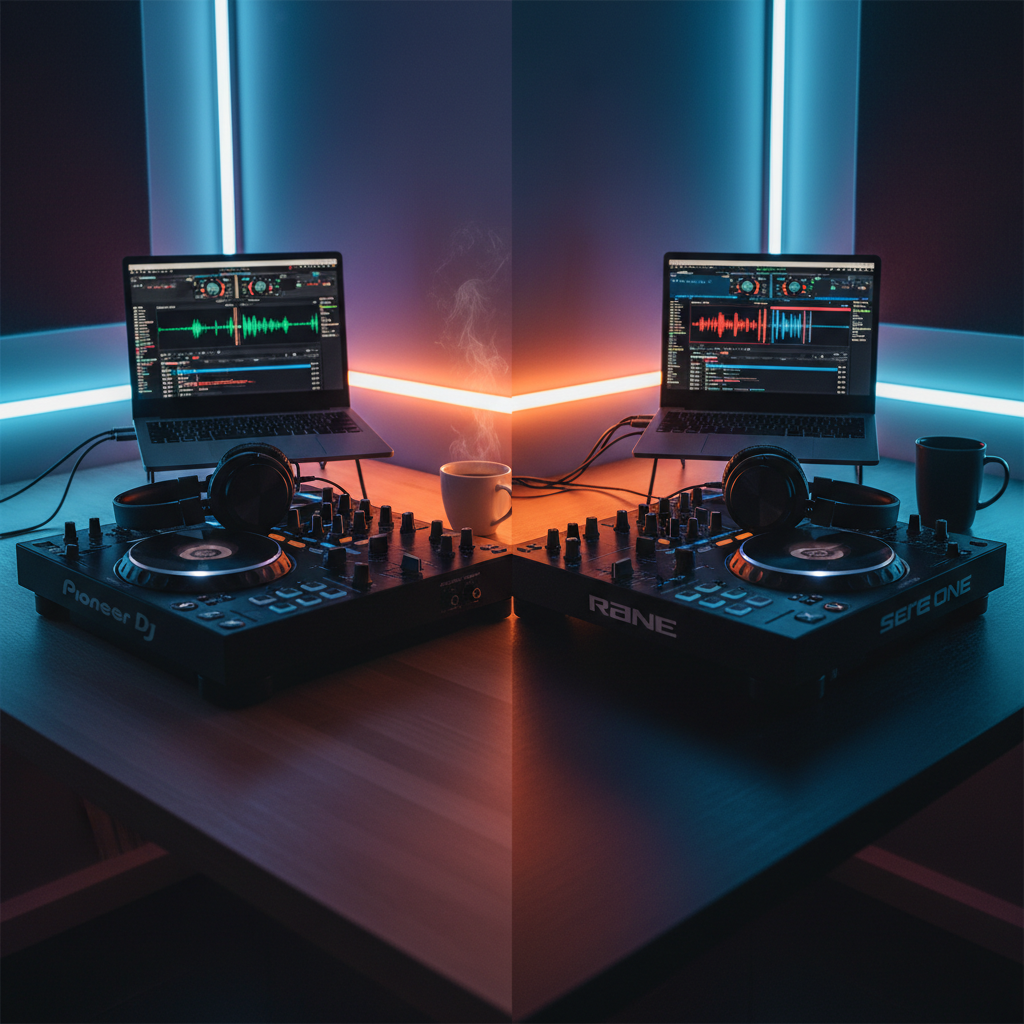
Serato DJ Lite offers the gentlest learning curve for absolute beginners with plug-and-play controller support, while Pioneer DJ Rekordbox provides a more complete free tier and better preparation for club-standard CDJ setups. Your choice depends on whether you prioritize immediate simplicity or long-term professional compatibility. Both offer free versions to test before committing.
What Makes Rekordbox and Serato Different?
Choosing your first DJ software feels overwhelming when every veteran DJ has a different opinion. Pioneer DJ Rekordbox and Serato represent the two dominant ecosystems in digital DJing, each with distinct philosophies about how beginners should learn.
Rekordbox functions as Pioneer DJ's all-in-one ecosystem, designed to mirror the workflow you'll find in professional clubs using CDJs and DJM mixers. Serato DJ, meanwhile, built its reputation on rock-solid stability and intuitive design that prioritizes the laptop-to-controller connection.
Both platforms offer free entry points, which means you can test drive before investing money or time into library preparation. However, their approaches to track analysis, hardware support, and performance features create very different user experiences for newcomers.
Side-by-Side Feature Comparison
Understanding the technical differences helps clarify which software aligns with your goals.
| Feature | Pioneer DJ Rekordbox | Serato DJ |
|---|---|---|
| Free Tier | Rekordbox (Core plan) with basic features | Serato DJ Lite (limited but functional) |
| Paid Upgrade | Rekordbox Professional ($9.99/month) | Serato DJ Pro ($149 one-time or subscription) |
| Hardware Support | Pioneer controllers + limited third-party | Extensive third-party controller support |
| Cloud Library | Yes (included in Professional) | Yes (Serato DJ Pro subscription) |
| Video Mixing | Available in paid tiers | Available in paid tiers |
| Stem Separation | Yes (in Professional plan) | Yes (with separate Stems expansion) |
| Offline Playback | Full functionality without internet | Requires occasional license check |
How We Evaluated These Tools
When comparing DJ software for beginners, we focused on criteria that matter most during your first 100 hours of mixing.
Beginner Learning Curve: How quickly can someone with no experience load tracks and perform a basic blend?
Setup Speed: Time from installation to first mix, including driver installation and controller recognition.
Hardware Compatibility: Range of affordable entry-level controllers supported without complex mapping.
Stem Tools: Accessibility of modern isolation features for creative mixing (available in both platforms' current versions).
Export Workflow: Ease of preparing USB drives for standalone playback on club equipment.
Price Accessibility: Cost to access essential features vs. premium-only functionality.
System Stability: Resource usage and crash frequency during extended practice sessions.
Hardware Compatibility and Setup
Your controller choice often dictates your software decision. Serato DJ historically dominated the third-party hardware market, meaning most entry-level controllers from brands like Numark, Roland, and Denon ship with Serato DJ Lite licenses.
Rekordbox primarily supports Pioneer DJ's own hardware ecosystem. While this seems limiting, Pioneer offers controllers at every price point from the DDJ-200 ($149) to professional units. The integration between Pioneer hardware and Rekordbox feels seamless because both come from the same manufacturer.
Pro Tip
Installation differs slightly between platforms. Rekordbox downloads as a single package from Pioneer DJ's website, while Serato requires you to check your specific controller's compatibility page for optimized drivers. In practice, both install within 10 minutes on modern Windows or Mac systems.
Library Management and Track Preparation
Your music library becomes your most valuable asset as a DJ. Both platforms analyze tracks for BPM, key, and waveform data, but their organizational philosophies differ.
Rekordbox treats your library as a professional database. The software automatically suggests compatible tracks based on key and BPM, creating a more curated browsing experience. Its tagging system allows for detailed metadata editing, which becomes crucial when managing thousands of tracks.
Serato adopts a more fluid approach. The crate system (folders) feels intuitive for users familiar with computer file management. Serato's library loads faster with large collections, though it offers less sophisticated automatic playlist generation than Rekordbox.
Harmonic Mixing Guide
Find compatible keys using the Camelot wheel
When preparing for gigs, Rekordbox offers a significant advantage for beginners planning to play in clubs eventually. The software exports directly to USB drives formatted for CDJ-3000s and other Pioneer club gear. This means you can practice at home on a controller, then plug your USB into club equipment without re-analyzing tracks.
Serato users typically need to bring their laptops to gigs unless using specific supported hardware. While Serato supports USB export to some standalone units, the ecosystem doesn't match Pioneer's ubiquity in venues worldwide.
Performance Features and Stability
Both platforms offer the essential tools beginners need: two-deck mixing, EQ controls, filter effects, and basic sampling. However, their performance characteristics vary during live use.
Serato DJ earns its reputation for stability. The software uses less RAM than Rekordbox and runs smoothly on older laptops. For beginners using entry-level computers, this reliability prevents embarrassing crashes during practice sessions or early gigs.
Rekordbox provides more visual feedback during mixing. The waveform displays show more detail, and the software includes more built-in transition effects in the free tier. However, this richness requires more processing power.
Beatmatching works identically in both platforms, with vertical waveforms and tempo sliders. Rekordbox includes a "Tutorial" mode that visually guides beginners through their first beatmatch, while Serato relies on its simpler interface to reduce confusion.
Stem separation represents the current frontier in DJ technology. Both platforms now offer real-time vocal, drum, bass, and melody isolation. In Rekordbox, stems come included with the Professional subscription. Serato offers stems through a separate expansion pack or subscription tier.
Pricing and Accessibility
Cost shouldn't block your entry into DJing. Fortunately, both companies offer free tiers that support real hardware controllers.
Rekordbox Pricing:
- Free Core plan: Basic two-deck mixing, FX, recording
- Professional: $9.99/month (stems, cloud sync, video, lighting control)
- One-time purchase options for specific feature packs
Serato Pricing:
- DJ Lite: Free (limited to specific controllers, no recording)
- DJ Pro: $149 perpetual license or $9.99/month subscription
- Expansion packs: Stems ($49), Video ($49), DVS ($99)
For beginners, Rekordbox offers more functionality in its free tier, including recording and full performance features. Serato DJ Lite restricts recording to paid versions, which matters if you want to share practice mixes with friends.
However, Serato DJ Pro's one-time purchase option appeals to DJs who dislike subscriptions. Rekordbox has moved increasingly toward subscription models, though you can still purchase specific features outright.
Which DJ Software Should You Choose?
Your decision ultimately depends on three factors: your hardware, your goals, and your computer.
Choose Rekordbox if:
- You plan to play in clubs using CDJs within the next two years
- You want the most features for free
- You own a Pioneer DJ controller
- You prefer detailed track analysis and organization tools
Choose Serato if:
- You own a non-Pioneer controller (Numark, Denon, Roland)
- You use an older or less powerful laptop
- You prefer buying software outright rather than subscribing
- You want the simplest possible interface for learning basics
Tempo & Timing: tap tempo
Tap a manual tempo estimate, then use the same BPM for effects and phrases
Pro Tip
Neither choice locks you in permanently. Many professional DJs maintain libraries in both ecosystems. However, starting with one platform allows you to build muscle memory and library familiarity faster.
Frequently Asked Questions
Yes, your audio files remain yours. However, cue points, loops, and beat grids don't transfer automatically between platforms. Tools like Rekord Buddy or Lexicon can migrate your metadata, though the process requires some technical setup. Most DJs treat the first platform choice as a long-term commitment to avoid library management headaches.
Key Takeaways
- Core takeaway: Rekordbox serato beginner djs works best with a repeatable prep-to-performance workflow.
- Prioritize one stable process before adding extra tools or plugins.
- Track outcomes after each set and keep only steps that improve reliability and results.