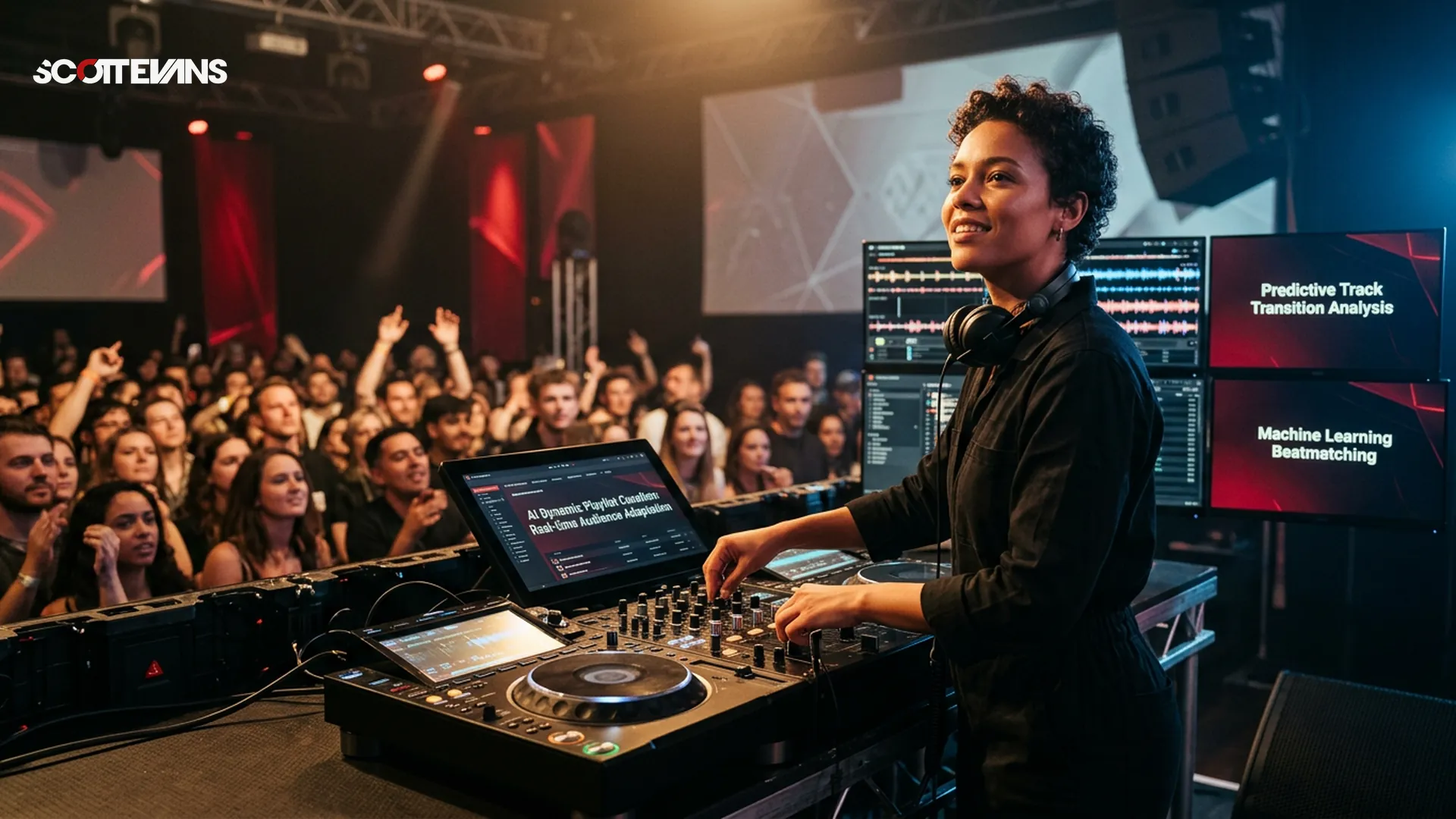
Traditional DJing requires months of practice to master beat matching by ear. AI DJ software changes the game by analyzing your music library automatically, detecting tempo, musical key, and even separating vocals from instrumentals in real time.
These tools do not replace your creativity. Instead, they handle the technical heavy lifting while you focus on song selection, energy management, and reading the crowd. For beginners, this means you can start creating listenable mixes immediately while gradually learning the underlying techniques.
Why Beginners Should Start with AI Tools
Immediate Creative Feedback
When you are learning, waiting three months to make your first decent mix is discouraging. AI software lets you hear professional-sounding blends on day one, which keeps you motivated to practice daily.
Safe Experimentation
AI stem separation lets you isolate vocals, drums, or bass lines from any track. This means you can practice mashups and transitions using elements from songs without worrying about ruining the mix. If the AI alignment is slightly off, you can manually adjust while the software keeps the beat locked.
Educational Transparency
Most AI DJ platforms show you exactly what they are doing. You can see the beat grid, the key analysis, and the energy levels. This transparency helps you understand why certain songs work together, accelerating your music theory education naturally.
How We Evaluated These Tools
We assessed these platforms based on criteria that matter most to new DJs:
- Beginner Learning Curve: How quickly can you load a track and start mixing?
- AI Feature Depth: Does it offer stem separation, smart playlists, or just basic beat matching?
- Hardware Compatibility: Can you use it with entry-level controllers or just a laptop?
- Export Workflow: Can you record your sets easily for portfolio building?
- Price Accessibility: Are there free tiers or affordable subscriptions?
- Educational Resources: Does the software teach you traditional skills while assisting with AI?
Top AI DJ Software Options for Newcomers
| Software | Best AI Feature | Price | Hardware Needed | Learning Curve |
|---|---|---|---|---|
| Algoriddim djay Pro | Neural Mix stem separation | Free tier / $6.99 monthly | Works with any controller or touch | Very Gentle |
| VirtualDJ | Real-time AI stems + suggestions | Free for home use | Extensive controller support | Moderate |
| Serato DJ Lite + AI | Pitch 'n Time stretching | Free / Subscription add-ons | Specific controller required | Steep but industry standard |
| Rekordbox AI | Intelligent playlisting | Free tier available | Pioneer controllers optimized | Moderate |
Algoriddim djay Pro: Best for Mobile Beginners
If you own an iPad or Mac, djay Pro offers the most intuitive entry point. The Neural Mix feature lets you slide a fader to remove vocals from any song instantly. This is based on public product information showing real-time audio source separation technology.
The touch interface makes beat matching as simple as tapping the screen in time with the music. You can practice on a plane, in a coffee shop, or on your couch without any hardware.
Pro Tip
VirtualDJ: Best for Stem Experimentation
VirtualDJ has offered free home use for decades, but their recent AI integration brings professional stem separation to beginners at zero cost. You can isolate drums, vocals, or instruments with the click of a button.
This software works particularly well for learning harmonic mixing because it displays musical keys in a color-coded system that matches the Camelot wheel used by professionals.
Serato DJ with AI Extensions: Best for Career Path
If your goal is to play in clubs eventually, Serato remains the industry standard. While the learning curve is steeper than tablet apps, starting here means you will not need to relearn workflows later.
The AI features here focus on beat grid analysis and key detection rather than full stem separation in the free version. However, the accuracy is based on proprietary algorithms that professionals trust for live performance.
Key Features Every Beginner Should Understand
Stem Separation Technology
This AI feature breaks songs into four parts: vocals, drums, bass, and melody. For beginners, this means you can create instant acapellas or drum loops from any MP3. Public product information confirms this works by analyzing frequency patterns and phase cancellation in real time.
Practical workflow guidance suggests using stems for transitions rather than full song replacement. Try fading out the bass of Track A while bringing in the full Track B for a smooth energy shift.
Automated Beat Matching
AI analyzes the transients in your audio files to detect BPM (beats per minute). Most software locks the tempos automatically, but you should still practice manual adjustment using the pitch faders. This ensures you understand the mechanics if the AI ever misreads a complex jazz or live drum track.
Harmonic Mixing Guide
Find compatible keys using the Camelot wheel
Tempo & Timing: tap tempo
Tap a manual tempo estimate, then use the same BPM for effects and phrases
Smart Playlist Generation
Modern AI can analyze the energy level, mood, and danceability of your tracks. Instead of organizing by genre alone, you can ask the software to suggest the next song based on the current crowd energy. This is particularly useful for bedroom DJs building their first hour-long sets.
Getting Started: Your First Week Roadmap
Day one should focus on library preparation. Let the AI analyze your tracks for BPM and key. This process is automatic but takes time depending on your library size.
Day two through three, practice the basic crossfade between two songs with matching tempos. Use the AI sync button, but watch the waveforms to understand where the beats align.
Day four, experiment with one stem separation feature. Try removing the vocals from a pop song and mixing it over an instrumental hip-hop beat.
Day five, record your first 15-minute mix. Most AI DJ software includes recording features that capture your set as a WAV or MP3 file for sharing.
Common Beginner Mistakes to Avoid
Over-Reliance on Sync: The AI beat match is accurate 95% of the time, but live drummers and tempo changes can confuse algorithms. Always listen with your ears, not just your eyes on the screen.
Ignoring Gain Structure: AI can match tempos, but it cannot fix audio levels. Ensure your tracks are properly normalized before mixing to avoid clipping or quiet passages.
Stem Separation Overuse: Just because you can isolate every instrument does not mean you should. Use stems to enhance transitions, not to deconstruct every song into chaos.
Hardware Considerations for AI Software
You do not need expensive gear to start. Most AI DJ software works with just a laptop or tablet. However, a basic controller adds tactile learning that improves muscle memory.
Entry-level controllers like the Pioneer DDJ-200 or Numark Party Mix integrate seamlessly with AI software. These devices map the stem separation buttons to physical pads, making the technology feel like an instrument rather than a computer trick.
If you are strictly software-based, invest in good headphones with clear bass response. AI beat matching is visual, but mixing is ultimately an auditory art.
Transitioning from AI to Traditional Skills
The goal of using AI DJ software as a beginner is not to become dependent on it. Use the AI as training wheels while you learn to count beats, recognize phrase structures, and understand harmonic keys.
Most software includes a "manual mode" that disables AI assistance. Challenge yourself to mix one song per session without the sync button. Over time, you will develop the ear skills that make you versatile in any DJ booth, even those without AI support.
Frequently Asked Questions
No. Most AI DJ applications run on standard laptops, tablets, or even smartphones. While controllers enhance the experience, the AI processing happens within the software itself. You can start learning immediately with just headphones and a computer.
Key Takeaways
- Core takeaway: Best software beginners works best with a repeatable prep-to-performance workflow.
- Prioritize one stable process before adding extra tools or plugins.
- Track outcomes after each set and keep only steps that improve reliability and results.