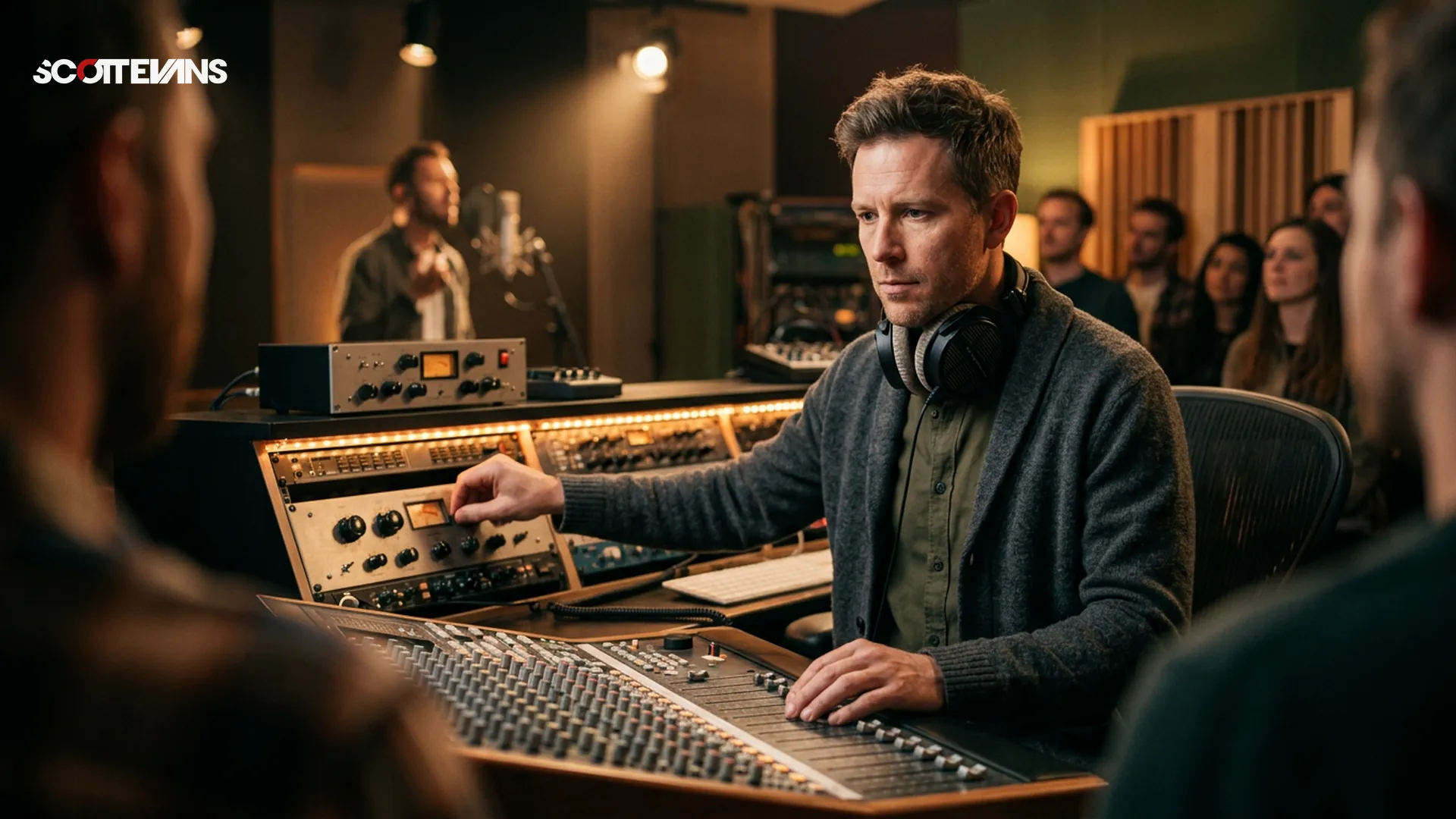
In modern electronic and pop music, the lead vocal dictates the energy of the entire track. Listeners immediately notice pitch discrepancies or timing issues. Vocal processing plugins bridge the gap between a raw recording and a radio-ready performance. These tools handle everything from subtle EQ balancing to aggressive pitch correction.
The Scott Evans DJ Takeaway
Using dedicated plugins allows producers to fix sibilance, suppress harsh resonances, and align doubled vocals perfectly. Industry analysts consistently note that a polished vocal is the single most important element for commercial success. Whether you are producing house, techno, or pop, mastering these tools is non-negotiable.
Top Vocal Processing Suites for Producers
The market offers a massive variety of vocal plugins, but a few standout suites dominate professional workflows. Understanding the strengths of each will help you build a more efficient template.
Synchro Arts Revoice Pro 5
Revoice Pro is a powerhouse for vocal alignment and pitch matching. It uses advanced algorithms to match the timing and pitch of a doubled vocal track to your lead vocal automatically. This saves hours of manual editing when stacking harmonies. It is highly recommended for producers working with massive vocal arrangements.
iZotope Nectar 4
For those who prefer an all-in-one solution, iZotope Nectar provides a complete vocal chain in a single plugin interface. It features AI-assisted modules that analyze your audio and suggest optimal EQ, compression, and de-essing settings. Nectar is incredibly useful for producers who want a fast starting point before tweaking parameters manually.
| Plugin | Primary Strength | Best For | AI Features |
|---|---|---|---|
| Synchro Arts Revoice Pro | Timing & Pitch Alignment | Vocal Stacks & Harmonies | No |
| iZotope Nectar | All-in-one Processing | Fast Workflow & Chain Building | Yes |
| Antares Auto-Tune Pro | Real-time Pitch Correction | Live Tracking & Creative Effects | Auto-Key |
| Celemony Melodyne | Surgical Pitch Editing | Transparent Note Manipulation | No |
Pitch Correction: Auto-Tune vs. Melodyne
Pitch correction is a staple in modern production. Antares Auto-Tune Pro remains the industry standard for real-time correction. It is perfect for tracking vocals live or achieving that iconic hard-tuned effect. The Auto-Key feature automatically detects the scale of your track, streamlining the setup process.
Harmonic Mixing Guide
Find compatible keys using the Camelot wheel
Celemony Melodyne takes a different approach. It operates like a MIDI editor for audio, allowing you to manually move notes, adjust pitch drift, and even change the formants of individual syllables. If your goal is transparent and natural-sounding pitch correction, Melodyne is the superior choice. Many producers use both, applying Melodyne for surgical fixes and a touch of Auto-Tune for stylistic gloss.
Advanced Vocal Mixing Workflows
Achieving a massive vocal sound requires more than just pitch correction. Layering and timing are equally critical. Tools like Synchro Arts VocAlign are essential for tightening up vocal doubles. When background vocals are perfectly synced to the lead, the entire mix sounds punchier and more professional.
De-essing is another critical workflow step. High-frequency harshness can ruin a great vocal take. Dedicated de-esser plugins target and reduce harsh sibilant sounds without dulling the rest of the performance. Always place your de-esser early in your vocal chain, typically after your initial subtractive EQ.
Hardware and System Requirements
Running multiple instances of complex vocal processing plugins requires a capable computer. In 2026, real-time pitch correction and AI-driven analysis demand significant CPU power. Always check the specific requirements for your chosen plugins before purchasing.
We recommend a multi-core processor and at least 16GB of RAM for seamless operation. A solid-state drive is also crucial for fast loading times. Ensure your audio interface supports low-latency monitoring, especially if you plan to track vocals through pitch correction software. You can read more about setting up your studio in our Complete Studio Gear Guide.
Frequently Asked Questions
For beginners, all-in-one suites like iZotope Nectar are highly recommended. They provide a streamlined interface and AI assistants that help you build a solid vocal chain without needing advanced engineering knowledge.
Key Takeaways
- Core takeaway: Vocal processing matters 2026 works best with a repeatable prep-to-performance workflow.
- Prioritize one stable process before adding extra tools or plugins.
- Track outcomes after each set and keep only steps that improve reliability and results.