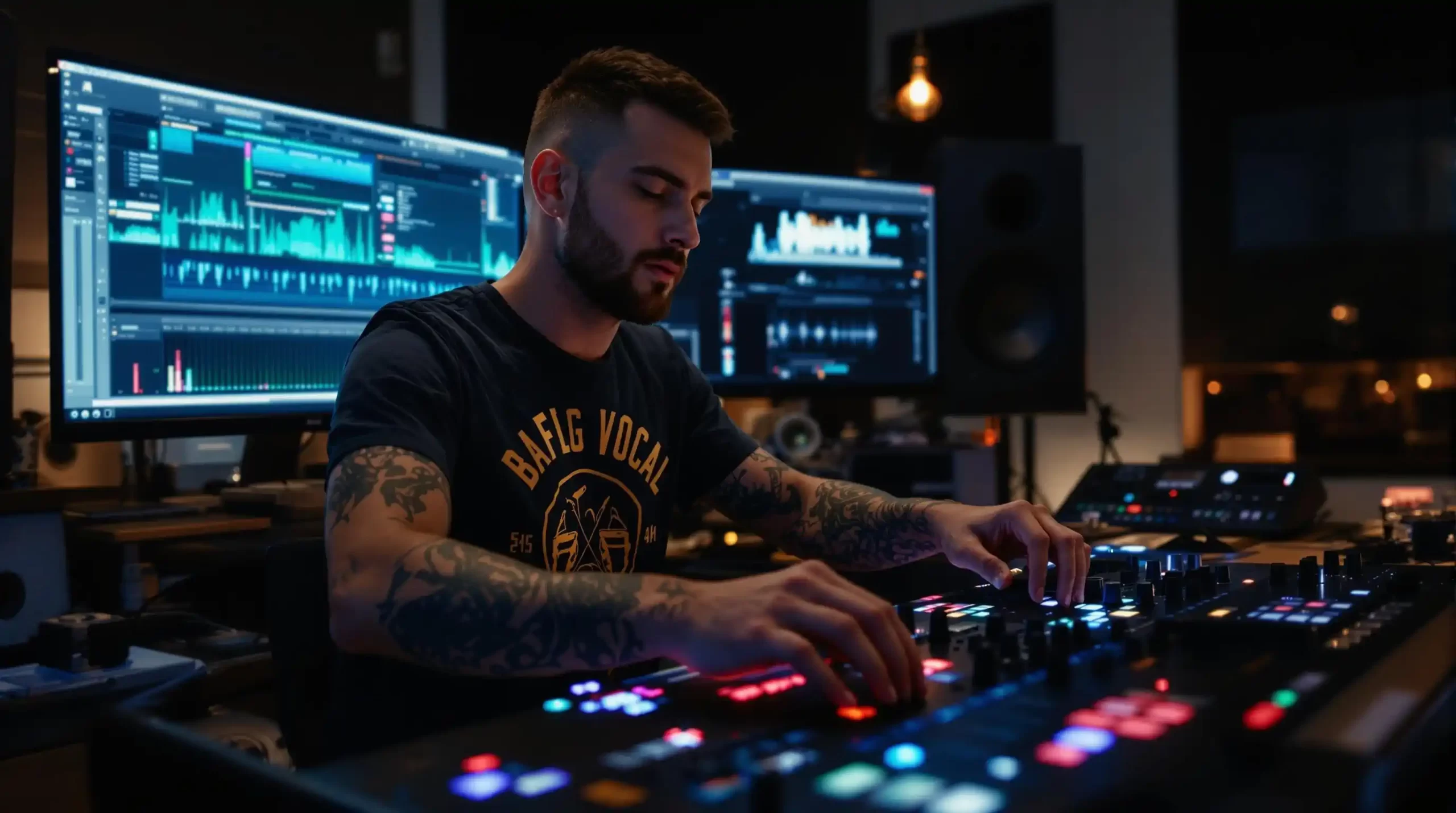
The landscape of live mixing and track production has shifted massively. Industry analysts report that artificial intelligence is no longer just a novelty for bedroom producers. It is a core component of mainstage performances and studio workflows.
AI vocal plugins give you the power to generate hyper-realistic singing voices, transform spoken words into melodic hooks, and extract pristine acapellas from fully mastered tracks. Whether you are building a custom mashup or producing an original track, these tools bridge the gap between imagination and final export.
Integrating a dedicated DJ AI Suite into your setup can streamline this entire process. Let us dive into the mechanics, the top software choices, and the exact workflows you need to dominate your next set.
The Mechanics of AI Vocal Processing
Before dropping a vocal synthesizer into your project, you must understand the underlying signal flow. AI vocal tools generally fall into two categories: real-time processing and offline rendering.
Real-time plugins analyze your incoming audio buffer and apply voice-to-voice transformations on the fly. This requires significant CPU overhead and can introduce latency. You will need to adjust your buffer size to prevent audio dropouts during live playback.
Offline rendering tools work directly on the audio file within your timeline. You feed the algorithm MIDI notes and lyrics, and the cloud-based engine generates the audio file. This method guarantees zero latency during playback and provides the highest fidelity.
Tempo & Timing: tap tempo
Tap a manual tempo estimate, then use the same BPM for effects and phrases
Matching the tempo of your newly generated vocal to your instrumental is the first technical hurdle. A precise BPM match ensures your transients align perfectly with the kick drum.
Spotlight on the Top AI Vocal Plugins
The software market is flooded with new tools, but only a few meet the rigorous demands of professional audio engineering. Here are the standout options for 2026.
Voice-Swap VST
Voice-Swap has set the standard for ethical AI voice cloning. This plugin provides a massive library of officially licensed voices from established recording artists.
When you upload your demo vocal, the algorithm replaces your tone with the selected artist profile while preserving your original pitch and vibrato. Best of all, the built-in royalty management system ensures the original vocalist gets paid for their digital likeness.
ACE Studio AI Singing Generator
If you need to build a vocal from scratch, ACE Studio is a powerhouse. You do not need a reference audio file. Instead, you input MIDI data and type in your lyrics.
The software then synthesizes a completely original vocal performance. You can tweak parameters like breathiness, tension, and falsetto transitions. This is incredibly useful for producers who want unique toplines without booking studio time.
SoundID VoiceAI
SoundID VoiceAI excels at transforming existing vocal tracks into studio-grade performances. It operates seamlessly within major DAWs like Ableton Live and FL Studio.
This plugin is optimized for rapid processing. You can capture a quick vocal idea on a basic microphone, and SoundID will re-render it to sound like it was tracked through a vintage condenser mic in a multimillion-dollar facility.
| Plugin Name | Primary Function | Real-Time Capability | Ethical Licensing |
|---|---|---|---|
| Voice-Swap | Voice-to-Voice Cloning | No (Offline Render) | Yes (Built-in Royalties) |
| ACE Studio | MIDI-to-Vocal Synthesis | No (Offline Render) | Yes (Custom Models) |
| SoundID VoiceAI | Tone Transformation | Yes (Low Latency) | Yes (Cleared Library) |
Pro Workflow: Integrating AI Vocals
Dropping an AI vocal into your project is only step one. To make it sound authentic, you must apply standard mixing techniques. Raw AI outputs can sometimes lack the dynamic range of a human performance.
First, focus on your EQ. AI-generated voices often have a buildup of resonant frequencies in the high-mids. Use a dynamic EQ to tame harshness around 2kHz to 4kHz. You should also apply a gentle high-pass filter to remove unnecessary sub-bass rumble that could clash with your kick and bassline.
Next, verify your key signature. A perfectly synthesized vocal will sound terrible if it clashes harmonically with your instrumental.
Always run your generated acapella through a reliable key detection tool. If the AI output is a semitone off, use a high-quality pitch-shifting algorithm to lock it into the correct musical scale.
Finally, use spatial effects to glue the vocal into the mix. A short plate reverb and a subtle slapback delay will push the dry AI vocal back into the stereo field, making it feel like a natural part of the record.
Harmonic Mixing Guide
Find compatible keys using the Camelot wheel
The Scott Evans DJ Takeaway
The Ethics of Voice Cloning
The legal landscape surrounding artificial intelligence is evolving rapidly in 2026. As a professional, you must protect yourself from copyright infringement. Unauthorized cloning of a famous artist's voice can lead to immediate takedowns and legal action.
Always use platforms that offer transparent licensing agreements. Tools that carry certification for fair training data guarantee that their machine learning models were built using legally acquired audio.
If you are planning to upload your AI-assisted mixes to video platforms, utilizing a Set-to-Content workflow can help you manage metadata and track ID claims properly. Staying ethical not only protects your brand but also supports the original vocalists who provide the foundation for these technologies.
Frequently Asked Questions
An AI vocal plugin is a software tool that uses machine learning to generate, modify, or isolate singing voices. These tools allow producers to create custom acapellas, change the tone of a recorded voice, or synthesize completely new vocals from MIDI data.
Key Takeaways
- Core takeaway: Vocal plugins djs 2026 works best with a repeatable prep-to-performance workflow.
- Prioritize one stable process before adding extra tools or plugins.
- Track outcomes after each set and keep only steps that improve reliability and results.