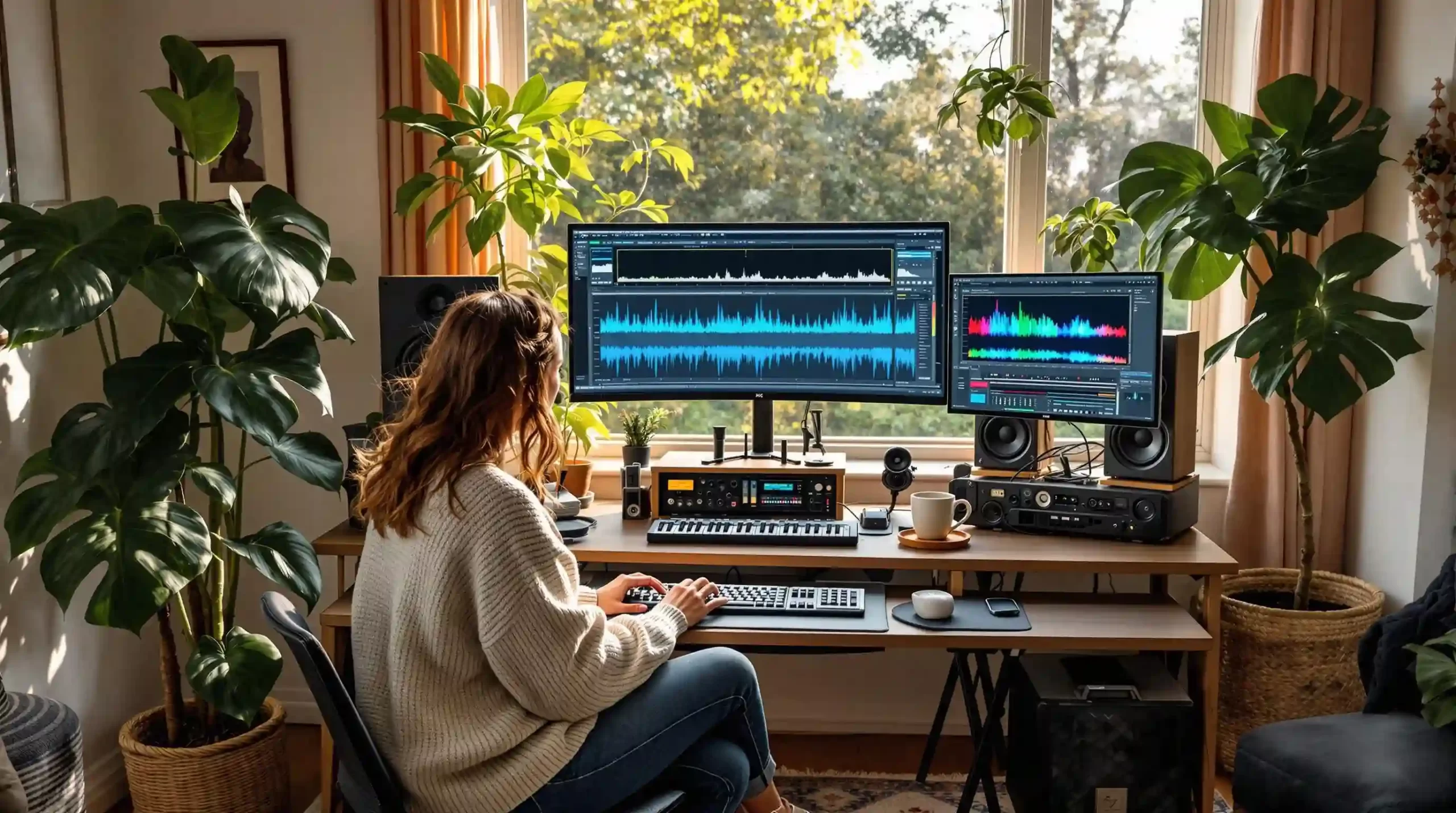
Why Visual Music Analysis is a Game Changer in 2026
Relying solely on your ears is no longer the only way to prep a killer DJ set. Today, leading industry analysts agree that visual data processing is a mandatory skill for audio professionals. AI visualization tools allow you to "see" the music before you even press play.
These platforms use advanced machine learning algorithms to break down dense audio files into structural components. This means you can spot a hidden key change, locate a tricky transient, or identify a track's true energy level without having to scrub through the audio manually. For working DJs, this translates to tighter beatgrids, perfectly placed hot cues, and a more intuitive understanding of your music library.
If you want to dive deeper into how artificial intelligence is reshaping the booth, check out our guide on AI in Music Technology.
Decoding the Audio Signal: What AI Actually Sees
When you feed a track into an AI analyzer, the software dissects the audio into three primary categories. Understanding these categories is the first step to mastering visual music analysis.
* Rhythm: The algorithm detects the timing, groove, and pattern of percussive hits. This is essential for locking in your beatgrids and identifying syncopation.
* Harmony: The software maps out the combination of musical notes playing simultaneously. This data is critical for mixing in key and avoiding tonal clashes.
* Timbre: This represents the unique color or texture of a sound. AI can visually separate a warm analog bassline from a sharp digital synth.
Harmonic Mixing Guide
Find compatible keys using the Camelot wheel
By isolating these elements, producers and DJs can identify anomalies or structural patterns that traditional listening methods might miss. This is especially useful when working with complex genres like jazz, broken beat, or experimental techno.
The Best AI Visualization Tools for Audio Professionals
Choosing the right software depends entirely on your specific workflow. Some tools are built for quick library tagging, while others offer deep, academic-level audio analysis.
Top Software Picks
* Cyanite.ai: This is a powerhouse for automated analysis. It excels at generating audio similarity reports, genre classifications, and tempo insights. It is a favorite for DJs managing massive track catalogs.
* Sonic Visualiser: Built for deep audio exploration, this tool is perfect for visualizing waveforms and spectrograms. It allows for detailed audio annotation, making it easy to highlight specific drops or breakdowns.
* Librosa: For the tech-savvy DJ, this Python library offers customizable feature extraction. It is ideal for those who want to build their own analysis scripts for pitch and beat tracking.
| Tool Name | Best For | Key Feature | Technical Barrier |
|---|---|---|---|
| Cyanite.ai | Library Management | Auto-tagging & Similarity | Low |
| Sonic Visualiser | Deep Track Analysis | Spectrogram Annotation | Medium |
| Bridge.audio | Categorization | Intelligent Folder Sorting | Low |
| Librosa | Custom Workflows | Python-based Extraction | High |
Advanced Visualization Techniques You Need to Know
To truly harness the power of a DJ AI Suite, you need to understand the visual language of audio data. Here are the core techniques used in modern music structure analysis.
Fourier Transforms
Fourier Transforms act as the mathematical backbone of audio visualization. This technique converts raw audio signals from the time domain into the frequency domain. As a result, you can clearly see individual musical notes and their underlying harmonics. For DJs, this makes identifying a track's root note incredibly precise.
Mel Spectrograms
A Mel Spectrogram is a visual representation of frequencies aligned with human hearing. Because our ears perceive pitch logarithmically, this visualization scales the audio data to match our natural auditory perception. If you need to break down a complex vocal harmony or an intricate melody, the Mel Spectrogram is your best friend.
Waveform and Event Onset Detection
Standard waveform visualization shows amplitude over time, which is great for spotting loud choruses or quiet breakdowns. However, AI takes this further with Event Onset Detection. This machine learning feature automatically flags the exact millisecond a new sound begins. It is the ultimate tool for placing micro-precise cue points on soft drum hits.
A Working DJ's Step-by-Step Analysis Workflow
Integrating visual analysis into your daily routine does not have to be complicated. By establishing a solid workflow, you can prep your tracks faster and with greater accuracy.
1. Tool Selection and Import
First, select a tool that matches your immediate goal. If you are prepping a club set, you might use an automated tagging platform. Import your raw audio data and allow the software to buffer and process the file. High-resolution WAV files will take slightly longer to analyze than standard MP3s.
2. Visual Inspection
Once the data is rendered, switch to the spectrogram view. Look for dense clusters of bright colors, which usually indicate complex harmonic textures or heavy bass frequencies. Sudden vertical breaks in the visual data typically signal a major transition, such as a drop or a tempo change.
3. Export and Implementation
After identifying the key structural points, use the software to export your findings. Many modern tools allow you to export metadata directly into your DJ software of choice. This ensures your beatgrids, key tags, and cue points are locked in before you ever step on stage.
Real-World Applications: Prepping Complex Sets
The real magic of AI visualization happens when you are faced with difficult, unpredictable music. Consider analyzing a complex jazz record or a heavily syncopated broken beat track. Traditional beat-matching by ear can be tough when the drummer drifts off-tempo.
By running these tracks through a visualizer, you can instantly spot the rhythmic drift. The visual data highlights exactly where the tempo fluctuates, allowing you to warp the track or set manual beat markers with pinpoint accuracy.
The Scott Evans DJ Takeaway
Researchers at major digital music institutions have used these exact methods to study the improvisational styles of jazz legends. By tracking chord progressions visually, they uncovered intricate harmonic patterns that were previously hidden in the mix. You can apply this same analytical approach to your own Set-to-Content workflow.
The Challenges of AI Musicology
While visual analysis tools are revolutionary, they are not without their flaws. As a professional, you need to navigate these challenges to get the best results.
One major hurdle is dataset bias. Many AI algorithms are trained primarily on Western electronic and pop music. When analyzing global music genres with microtonal scales or polyrhythms, the AI can sometimes misinterpret the data. This can lead to incorrect key readouts or misaligned beatgrids.
Tempo & Timing: tap tempo
Tap a manual tempo estimate, then use the same BPM for effects and phrases
Additionally, there is the risk of visual over-reliance. Staring at a screen can sometimes disconnect you from the emotional impact of a track. The visual representation of a song might look perfectly structured, but it could lack the necessary energy for a peak-time club set. Always use these tools to augment your musical intuition, never to replace it.
Frequently Asked Questions
AI visualization tools are software applications that convert raw audio signals into visual graphics. They display elements like rhythm, amplitude, and frequency, helping DJs and producers understand a track's structure at a glance.
Key Takeaways
- Core takeaway: Music structure analysis guide works best with a repeatable prep-to-performance workflow.
- Prioritize one stable process before adding extra tools or plugins.
- Track outcomes after each set and keep only steps that improve reliability and results.